

Automate · Reduce manual work
SharePoint document management and knowledge that people actually use
Your SharePoint exists. The trouble is what happens inside it: five versions of the same proposal, policies nobody can find, and answers that live in one person's head. We set up the day-to-day document management and knowledge workflows that keep SharePoint useful long after it was built.
We reply within one working day. No obligation.
Signs SharePoint has stopped working for you
People search their inbox for an attachment rather than look in SharePoint
- 01Libraries full of 'Final_v3_FINAL' and nobody sure which copy is current
- 02Policies and process notes with no owner, last updated years ago
- 03Staff ask a colleague because searching takes longer
- 04Copilot gives poor answers because the content it reads is duplicated or out of date
- 05Reviews and sign-offs tracked by memory or a spreadsheet
What we set up
Document management that holds up
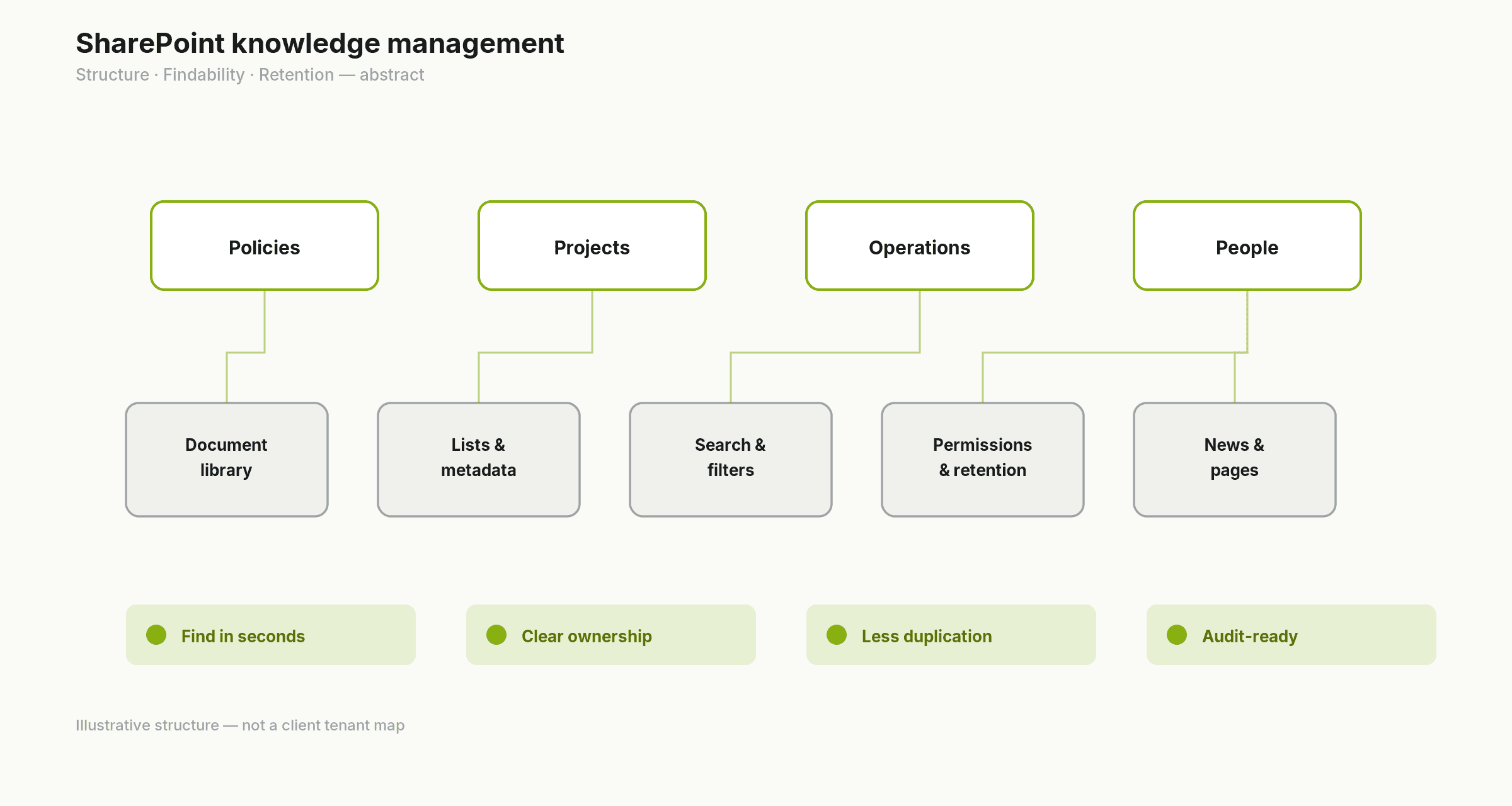
Libraries organised around how your team works, with metadata where it helps search, sensible naming, version history and retention settings for records you must keep. SharePoint document management done this way means one current copy and a clear history behind it.
A SharePoint knowledge base
One place for policies, how-to guides and process notes. Every page has a named owner and a review date, and pages are written and tagged so search finds them.
Review and approval workflows
SharePoint workflows built in Power Automate that route documents for approval, remind owners when a policy is due for review and record who signed off, so nothing depends on someone remembering.
Search people trust
Promoted results for the things people look for most, metadata that makes filtering useful, and duplicate or dead content removed so it stops appearing in results.
A tidy-up of what is already there
We find duplicate, orphaned and stale content, archive what is no longer needed and agree owners for what stays.
Handover and guidance
Short, practical guidance so the team knows where things go and owners know what is expected of them.
Next step
We reply within one working day. No obligation.
Knowledge management is mostly about ownership
SharePoint knowledge management fails when nobody is responsible for keeping pages right. Tools help, but a knowledge base only stays accurate if every page has an owner and a review date. We build that into the workflow, with SharePoint automation doing the reminding, so the upkeep happens without anyone having to chase it.
How we work
- 01
Understand
We walk through how your team stores and finds documents today, and which content matters most.
- 02
Assess
We review libraries, duplicates, naming and any permission problems that stop people finding things. If the real issue is the platform itself, we will say it is a Foundation job.
- 03
Improve
We restructure, build the knowledge base and review workflows, and test them with the people who use them.
- 04
Support
We agree a review rhythm with owners and adjust as the business changes.
Why this matters for Copilot and AI
Microsoft 365 Copilot and Copilot Studio agents answer from the content they can see. If that content is duplicated or out of date, the answers will be too. Clean document management is the groundwork for AI & Copilot Adoption, an AI IT Helpdesk and AI Employee Onboarding.
Next step
We reply within one working day. No obligation.
Example: a policy library that keeps itself current
Every policy sits in one library with an owner and a review date. A month before the date, Power Automate asks the owner to confirm or update it. Updated versions go to a manager for approval, the approved copy is published to the knowledge base, and the old one is kept in version history. Staff always find the current policy, and you can show when it was last reviewed.
FAQs
Common questions
Is this the same as building a SharePoint intranet?
No. Designing and building the SharePoint platform, including the intranet, site structure and permissions, is part of our Microsoft 365 Foundation service. This service makes the documents and knowledge inside SharePoint work properly day to day.
Can SharePoint work as a document management system?
For most SMEs, yes. A well-set-up SharePoint document management system gives you version control, co-authoring, permissions, retention and approvals without a separate product. If you have specialist regulatory needs that SharePoint cannot meet, we will tell you.
How do you build a SharePoint knowledge base?
We agree what belongs in it, create a simple page template, give every page an owner and review date, and set up search and navigation so people land on the right answer. Then we add the review workflow that keeps it current.
Do we need to move our files first?
Not usually. We work with the SharePoint you have. If files still live on an old server or another platform, moving them is part of our Foundation work, which we can plan alongside this.
What do you need from us?
A named owner for the project, time with a few people who use the content, and admin access or someone who has it.
What does it cost?
It depends on how much content you have and how many teams are involved, so we scope it after the first conversation rather than publishing prices.
Make SharePoint the place people look first
Book a free consultation and tell us where documents and know-how go missing. We reply within one working day. Button: Book a free consultation